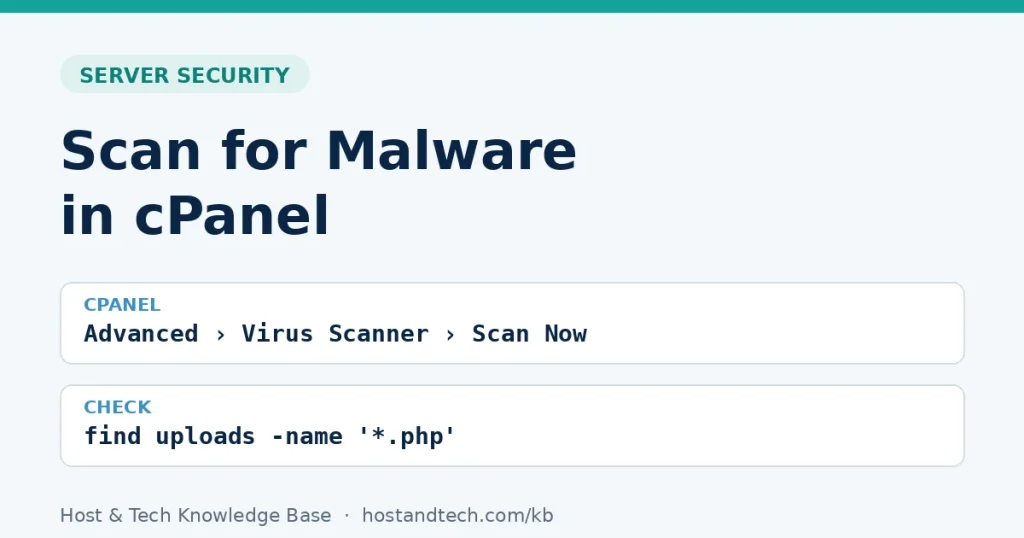
How to Scan for Malware in cPanel (Virus Scanner and ImunifyAV)
Run the cPanel Virus Scanner and ImunifyAV, check the folders scanners miss, quarantine safely and find how the attacker got in, so the infection doesn’t come back next week.
Run the cPanel Virus Scanner and ImunifyAV, check the folders scanners miss, quarantine safely and find how the attacker got in, so the infection doesn’t come back next week.
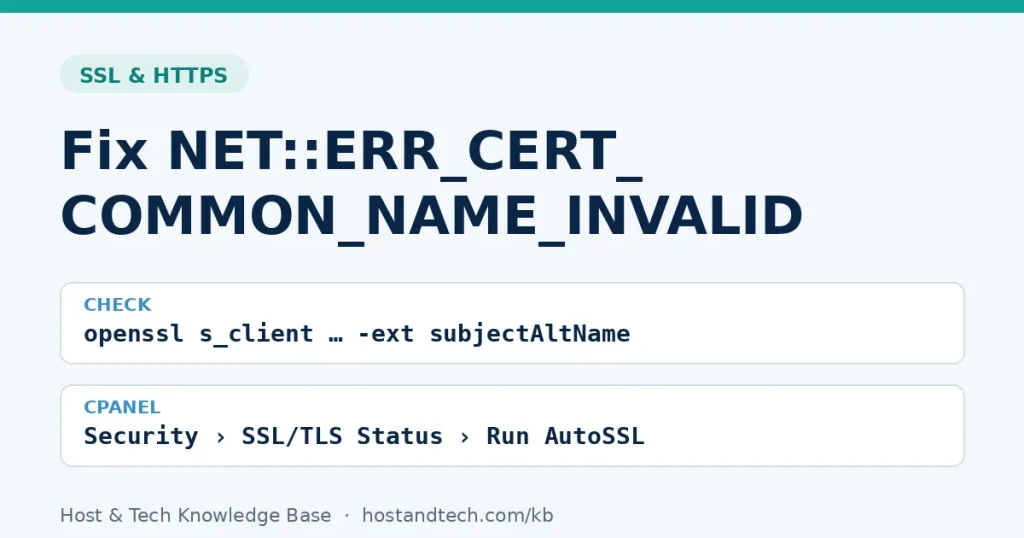
Chrome says the certificate doesn’t match the site name. One openssl command shows which names it really covers; then add the missing www or subdomain, bind the right certificate, or rule out your own device.
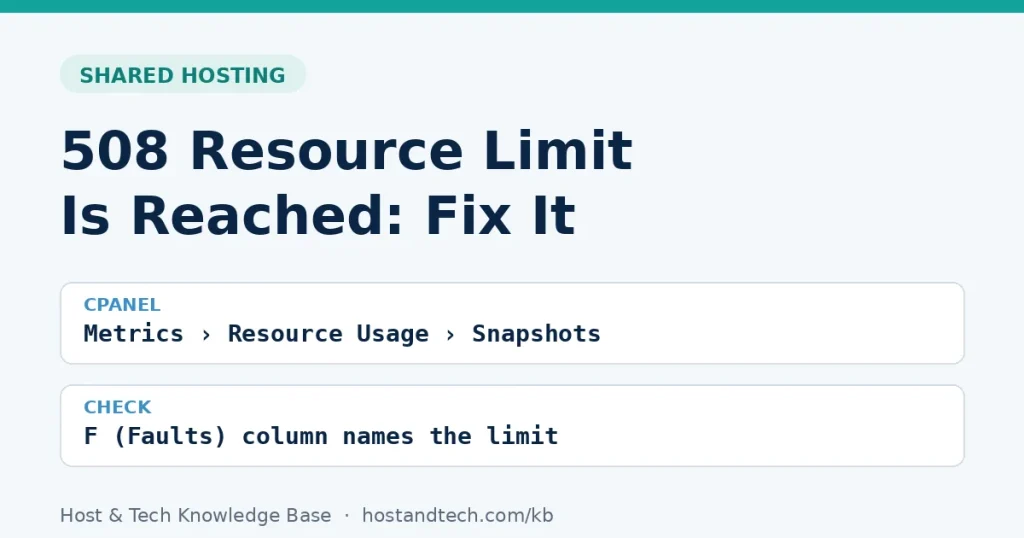
A 508 error means your account hit a CloudLinux limit. Read the fault counts in cPanel Resource Usage, name the limit (entry processes, CPU, memory or I/O) and fix that one instead of guessing.
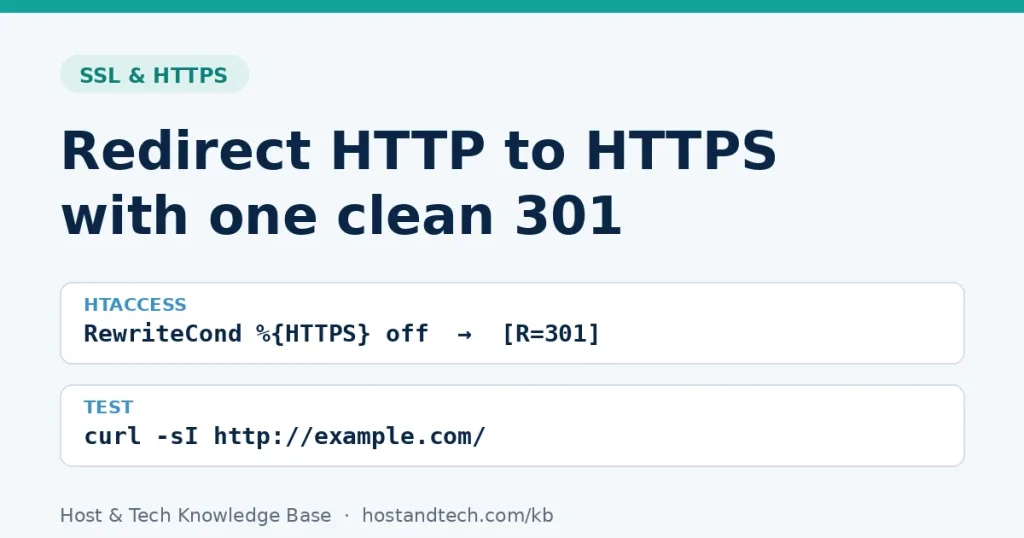
Send every visitor to the HTTPS version of your site with a single 301: the cPanel and Plesk switches, copy-ready rules for .htaccess, Nginx and IIS, how to do www and HTTPS in one hop, and how to fix ERR_TOO_MANY_REDIRECTS.
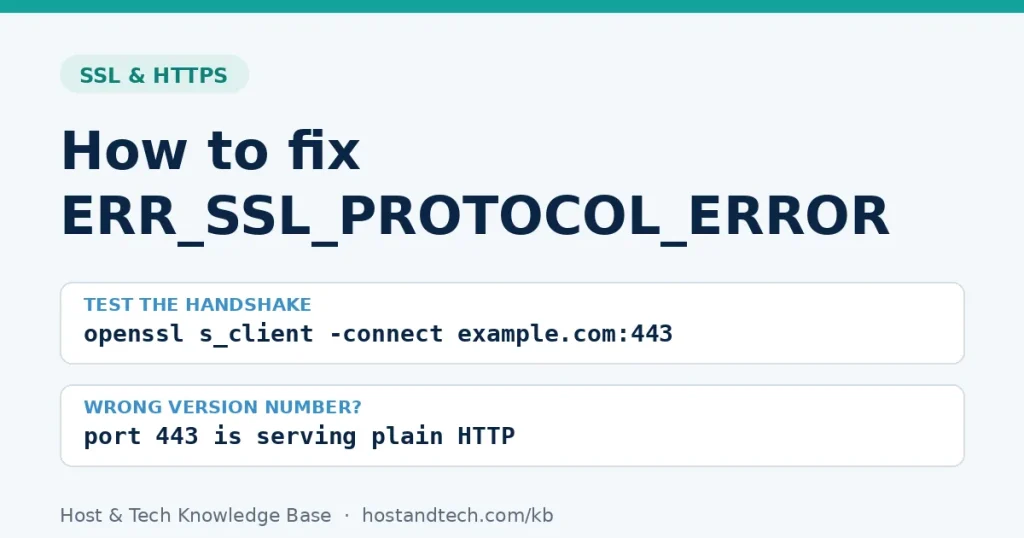
Chrome says a site sent an invalid response? One openssl command tells you whether the server, DNS or your own computer is to blame, then fix the cause: plain HTTP on port 443, a stale IPv6 record, a broken vhost or local HTTPS scanning.
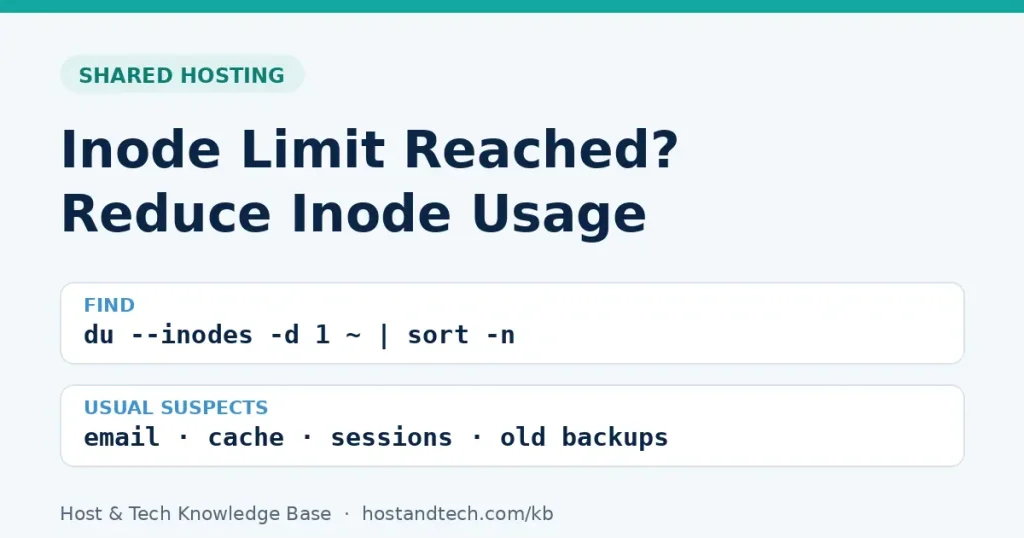
Uploads failing with Disk quota exceeded while you still have disk space? You have hit the inode limit. Find the folders holding the most files in two minutes and clean up email, caches, sessions and old backups safely.
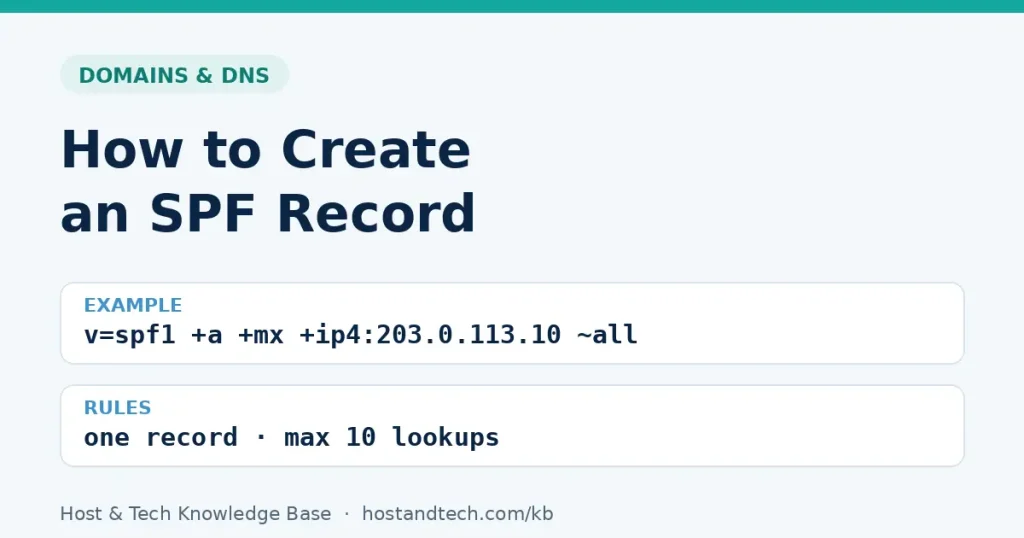
Create one SPF record that covers every service sending mail as your domain, with copy-ready examples for cPanel hosting, Google Workspace, Microsoft 365, Zoho and non-sending domains, and fixes for the errors that quietly break SPF.
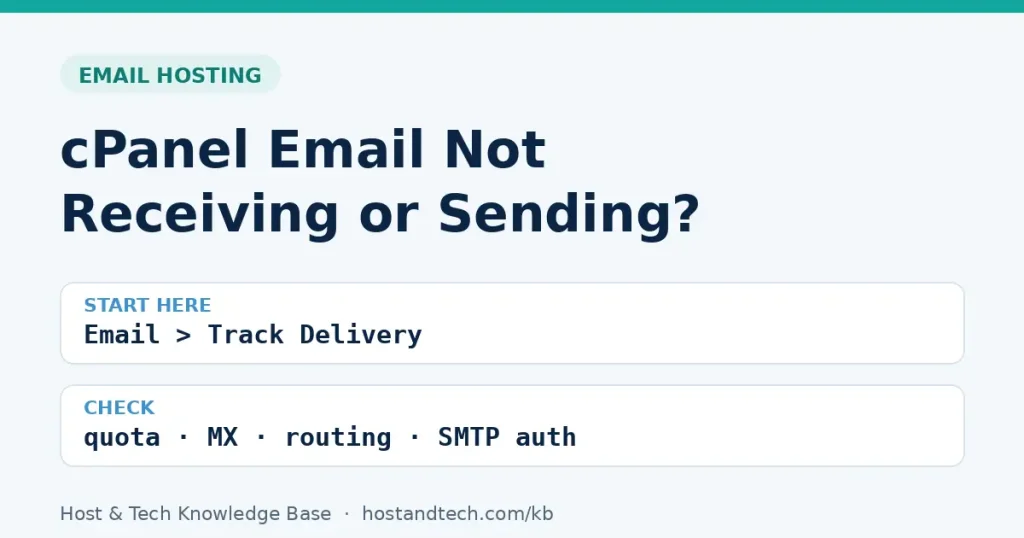
Mail stopped arriving or won’t send from your cPanel mailbox? Start with Track Delivery, then work through the seven causes behind almost every case, from full mailboxes and Email Routing to SMTP authentication and hourly limits.
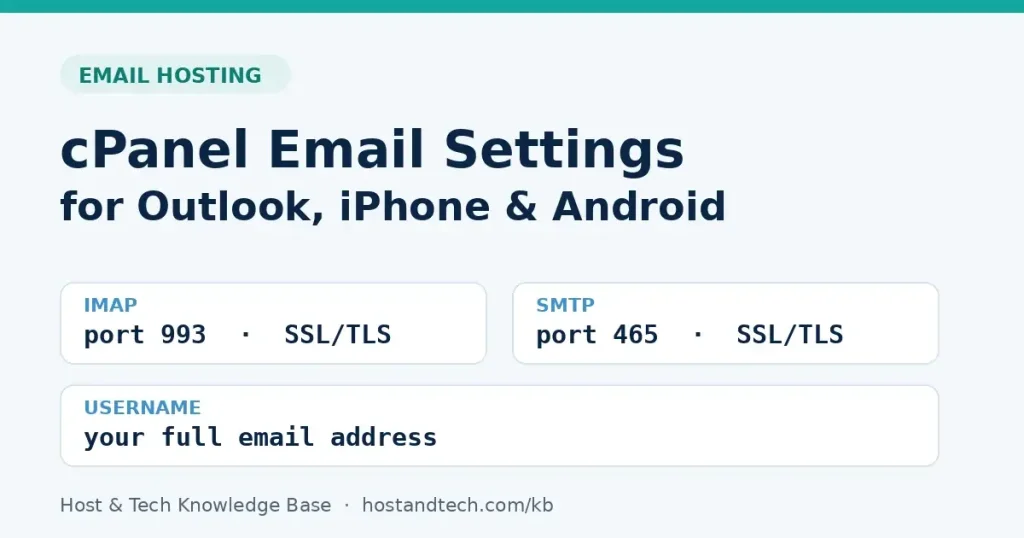
The IMAP and SMTP settings a cPanel mailbox needs, where cPanel shows your exact server name, and step-by-step setup for Outlook, iPhone and Android, with fixes for the connection errors people hit most.
A WordPress staging environment lets you test changes safely before they go live. This guide walks you through setting one up using cPanel, WP-CLI, or a plugin — whichever fits your setup.