How to Manage PHP Versions in Plesk (Per Domain and Server-Wide)
Running multiple sites on Plesk often means juggling different PHP versions — one app needs PHP 7.4, another needs 8.2. Here’s exactly how to manage that without breaking anything.
Keeping Plesk up to date patches security vulnerabilities and ensures compatibility with PHP, MySQL, and extension updates. This guide walks you through updating Plesk on Linux using both the command line and the Plesk web interface, with troubleshooting for the most common errors.
Restoring a backup in Plesk is one of those tasks that looks simple until something goes wrong mid-restore. This guide walks you through every restore path — server-level, subscription-level, and file-level — with the gotchas that the official docs skip over.
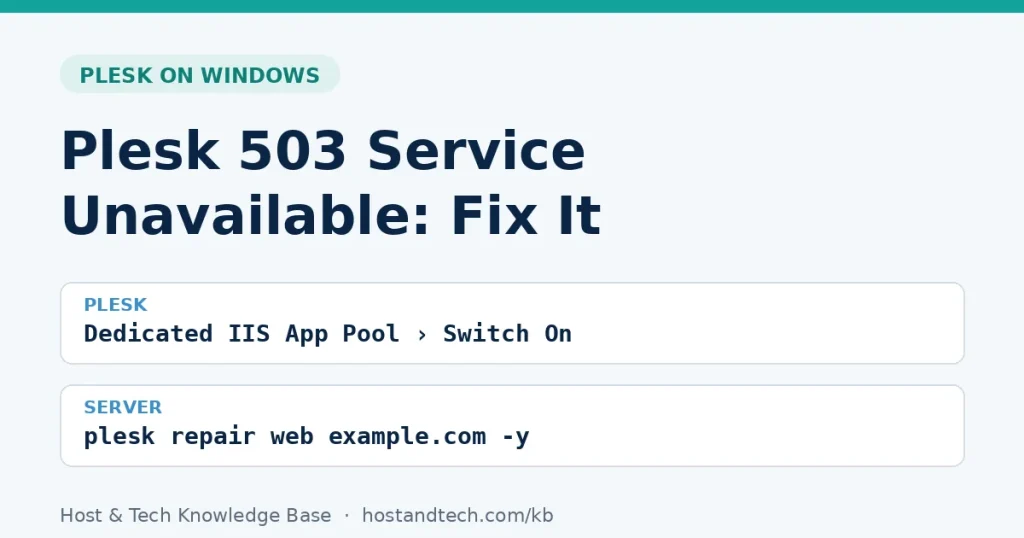
A failed Plesk update on Windows can leave your panel in a broken or half-updated state — and the error messages aren’t always helpful. This guide walks through the most common causes and how to actually fix them.
Whether you’re installing WordPress, setting up a custom app, or migrating a site, you’ll need a MySQL database and a dedicated user with the right permissions. This guide covers cPanel, Plesk, and direct CLI access — pick whichever matches your setup.
Choosing between Linux and Windows hosting isn’t just about preference — it comes down to your tech stack, budget, and what software you actually need to run. This guide breaks down the real differences without the marketing fluff.
Setting up a new Plesk website takes less than five minutes once you know where to look — but there are a few configuration choices that trip up new users. This guide walks through the full process, including domain setup, file deployment, and PHP version selection.
cPanel and Plesk are the two most widely used web hosting control panels, but they’re not interchangeable. Here’s how they actually differ and which one makes sense for your situation.
If Nginx has stopped responding in Plesk and your sites are returning 502 or just a blank page, you’re in the right place. This guide walks through the actual diagnosis steps — not just ‘restart the service and hope.’ We’ll cover config errors, port conflicts, certificate issues, and more.
Accessing Plesk on a Windows Server is straightforward once you know the right URL, port, and credentials — but a surprising number of issues come down to a blocked port or a forgotten admin password. This guide covers everything from your first login to common access problems.